If you’ve recently purchased a property, transferred ownership, or need to correct a name on your gas connection, updating the name on your Mahanagar Gas Limited (MGL) bill is an important step. The good news is that the process can now be done online, saving you time and effort.
In this guide, we’ll walk you through the complete process to change the name on your Mahanagar Gas bill quickly and easily.
Why You May Need to Change the Name on Your Gas Bill
There are several common reasons why a name change may be required:
- Property purchase or resale transaction
- Ownership transfer within family
- Correction of spelling errors
- Legal name change after marriage or other reasons
Keeping the correct name ensures smooth billing, documentation, and avoids issues during resale or legal verification.
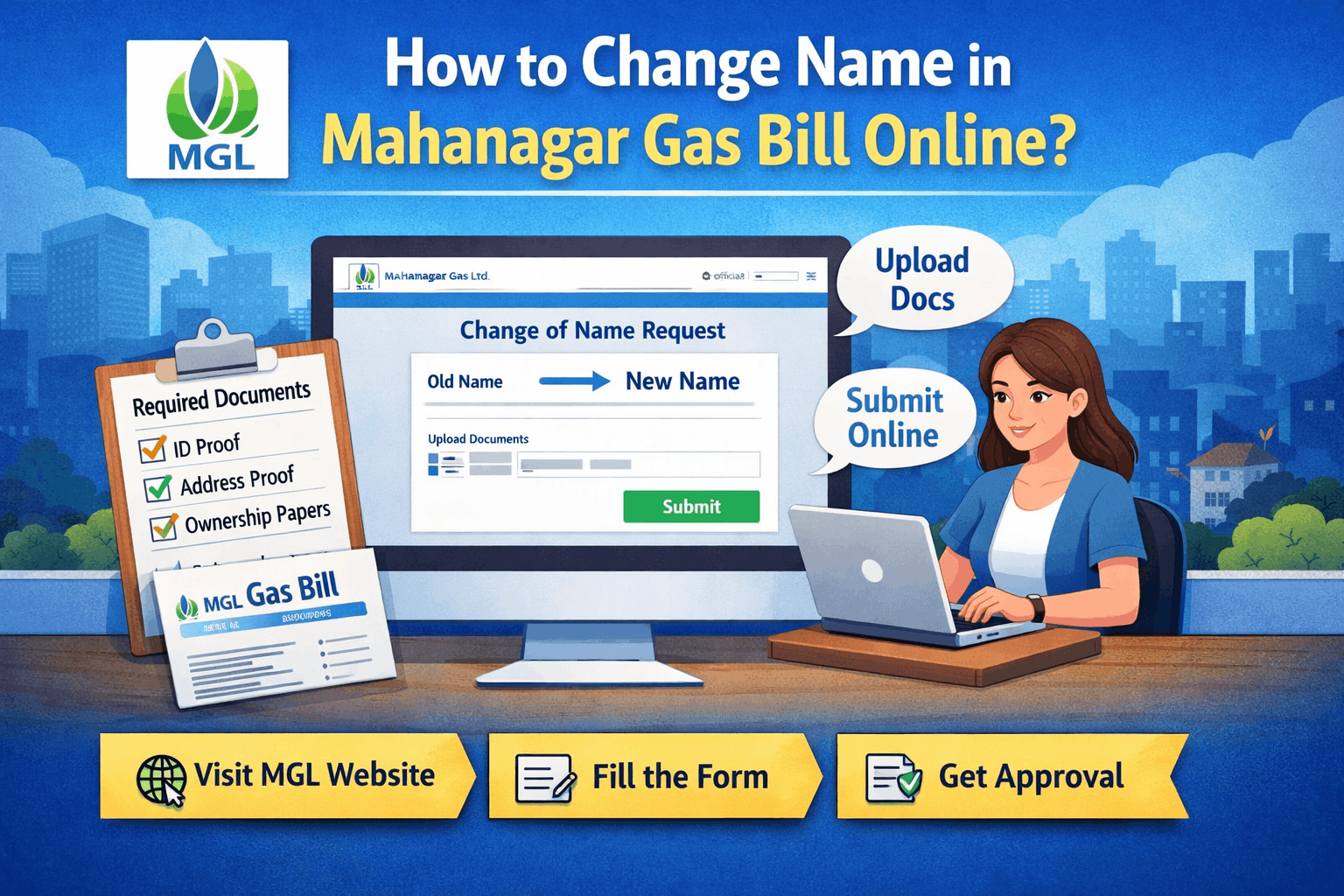
Documents Required for Name Change
Before starting the online process, keep these documents ready:
- Proof of Ownership (Sale Agreement / Index II / Allotment Letter)
- Identity Proof (PAN Card / Aadhaar Card / Passport)
- Latest MGL Gas Bill Copy
- No Objection Certificate (NOC) from the previous owner (if applicable)
- Indemnity Bond (in some cases)
Make sure all documents are clear and self-attested.
Step-by-Step Process to Change Name in MGL Gas Bill Online
Follow these simple steps:
1. Visit the Official Website
Go to the official website of Mahanagar Gas Limited.
2. Navigate to Customer Services
Look for the “Customer Zone” or “Services” section on the homepage.
3. Select ‘Change of Name / Transfer of Ownership’
Click on the option related to name change or ownership transfer.
4. Fill the Online Application Form
Enter the required details such as:
- Customer Number (BP Number)
- Registered Mobile Number
- New Applicant Details
5. Upload Required Documents
Upload scanned copies of all necessary documents mentioned above.
6. Submit the Request
Review your application and submit it online.
7. Verification Process
MGL may conduct:
- Document verification
- Physical inspection (if required)
8. Approval & Update
Once approved, the name will be updated in their system, and future bills will reflect the new name.
Processing Time
The name change process usually takes 7 to 15 working days, depending on document verification and approval.
Important Tips
- Ensure all documents match the property details exactly
- Double-check spelling before submission
- Keep a copy of your application reference number
- Respond promptly if MGL requests additional documents
Offline Option (If Needed)
If you face issues online, you can also visit the nearest MGL customer care center with original documents and submit a physical application.
Conclusion
Updating your name on the **Mahanagar Gas Limited gas bill is a simple but crucial task, especially after property transactions. With the online process, you can complete it conveniently without multiple visits to the office.
Make sure to keep your documents ready and follow the steps carefully to ensure a smooth and hassle-free update.